When a server is down or a key employee cannot work, “we will get to it soon” is not a useful support commitment. An IT support service level agreement should replace vague promises with clear expectations: how quickly the provider will acknowledge the issue, when technical work begins, how priority is assigned, and what happens if the problem is not resolved.
For small and midsize businesses, understanding IT support SLA response times is essential before signing or renewing a managed services agreement. The fastest number in a proposal is not always the most meaningful one. A good SLA connects response targets to business impact, coverage hours, escalation, communication, and measurable reporting.
What Is an IT Support SLA?
An IT support SLA is the portion of a service agreement that defines measurable support commitments. It should explain what services are covered, when the helpdesk is available, how requests are submitted, how tickets are prioritized, and how performance is measured.
A useful SLA typically defines:
- Support hours and any after-hours coverage
- Approved ways to open a ticket
- Priority or severity levels
- Initial response targets
- Update or communication intervals
- Escalation procedures
- Exclusions, dependencies, and customer responsibilities
- Reporting and review practices
The agreement should be specific enough that both parties can look at the same ticket history and reach the same conclusion about whether the commitment was met.
Response Time Is Not Resolution Time
This is the most important distinction in an IT support SLA. Response time measures how long it takes the provider to acknowledge and begin evaluating a request. Resolution time measures how long it takes to restore service or fully fix the issue.
A provider may promise a 15-minute response to a critical outage, but that does not mean every outage will be resolved in 15 minutes. Resolution can depend on the cause, third-party vendors, replacement hardware, internet carriers, software publishers, backups, and access to the affected environment.
For that reason, a mature SLA may commit to response times and communication intervals while treating resolution as a target rather than an unconditional guarantee. Ask the provider to explain exactly when each clock starts, pauses, and stops.
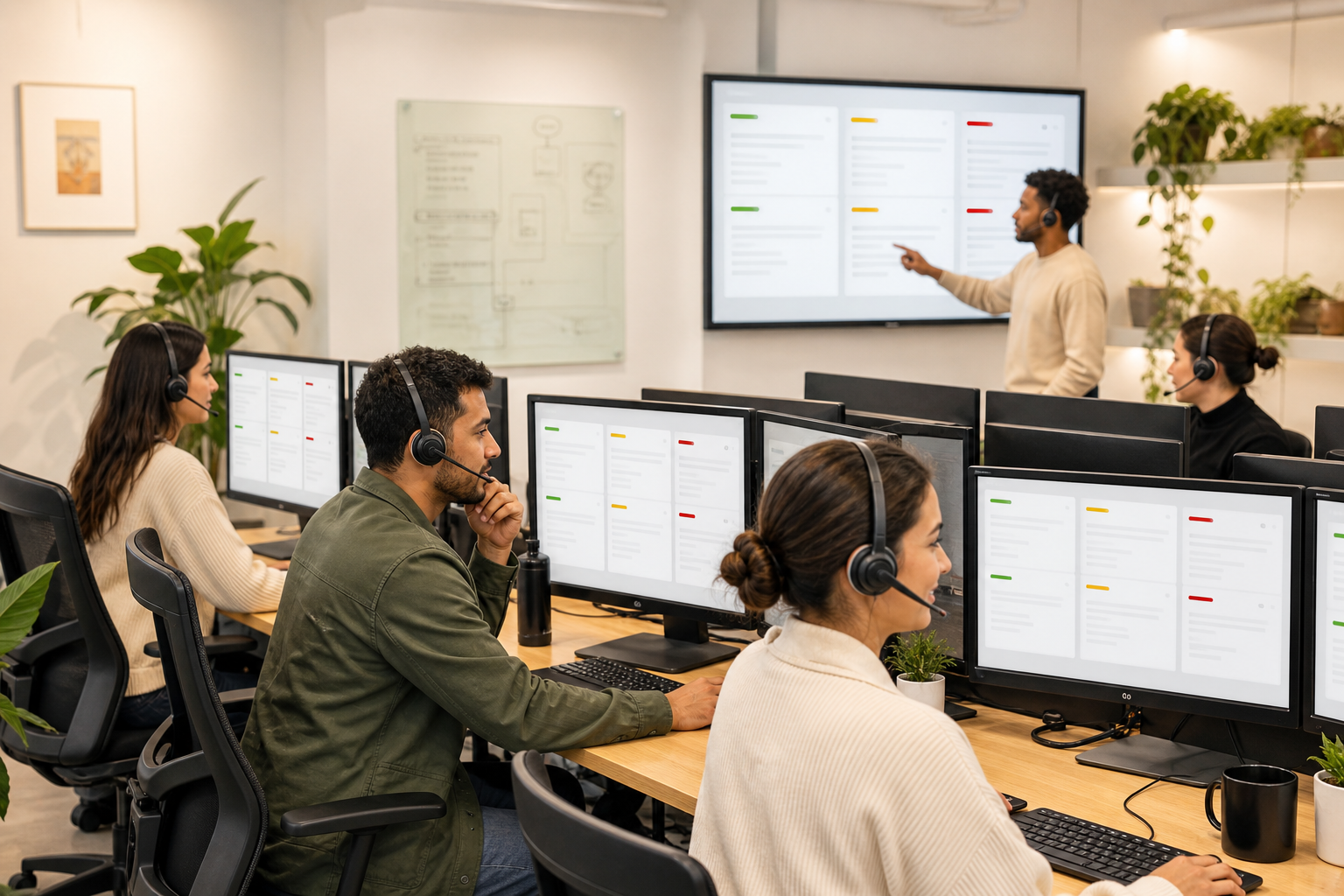
Are your support response expectations clearly defined?
Discuss support hours, ticket priorities, escalation, and meaningful service targets with Microwize.
How Priority Levels Affect IT Support SLA Response Times
Not every request should enter the same queue. A companywide outage demands a different response than a request to install software for one employee next week. Most providers use three or four priority levels based on impact and urgency.
Priority 1: Critical
A critical incident has widespread business impact, such as a full network outage, inaccessible production system, active security event, or failure that stops most employees from working. These tickets should receive the fastest response, immediate escalation, and frequent updates.
Priority 2: High
A high-priority issue significantly disrupts a department, location, executive, or essential workflow, but a workaround may exist. It requires prompt attention without necessarily activating the provider’s highest-level incident process.
Priority 3: Normal
Normal tickets usually affect one user or a limited function while the rest of the business remains operational. Common examples include application errors, peripheral problems, account changes, or intermittent performance issues.
Priority 4: Low or Planned
Low-priority requests have little immediate business impact. They may include general questions, routine access changes, equipment planning, or work that can be scheduled.
The exact labels matter less than the written definitions. Your agreement should explain who assigns priority and how a ticket can be reclassified when its business impact changes.
What Response Times Should an SMB Expect?
There is no universal response-time chart that fits every business. Coverage and targets should reflect the organization’s operating hours, risk, number of users, critical applications, regulatory obligations, and budget.
As an illustrative model—not an industry guarantee—a provider might target an initial response within 15 to 60 minutes for a critical incident, one to two hours for a high-impact incident, several business hours for a normal request, and one business day for a low-priority request. The contract should contain the actual commitments that apply to your environment.
More important than chasing the smallest number is confirming that the provider can consistently meet the stated target. Ask to see anonymized SLA performance reporting, ticket volumes, escalation rates, and customer satisfaction trends.
Five Details That Make an SLA Meaningful
- Coverage window: A one-hour target during business hours is different from a one-hour target at 2 a.m. Confirm which services receive 24/7 coverage.
- Clock rules: Learn whether the clock pauses while the provider waits for the customer, a vendor, replacement hardware, or scheduled access.
- Communication cadence: A difficult incident is easier to manage when stakeholders know when the next update will arrive.
- Escalation path: The agreement should identify what happens when a ticket approaches or misses its target.
- Measurement: Monthly reporting should show performance by priority, not just a blended average that can hide critical misses.
Common SLA Red Flags
Watch for agreements that promise “fast support” without defining fast, list a response target without defining response, or reserve the right to classify every ticket without an appeal process. Other warning signs include unclear after-hours coverage, no communication commitment, broad exclusions, and no regular performance review.
Also be cautious when sales language focuses on guaranteed resolution for every problem. Some incidents depend on outside parties or require investigation before a safe fix is known. A trustworthy provider explains these dependencies instead of hiding them.
Questions to Ask Before Signing
- What is the difference between your response, restoration, and resolution targets?
- How do you define each priority level?
- Which systems and incidents receive 24/7 support?
- How often will we receive updates during a critical incident?
- When can the SLA clock be paused?
- How are missed targets escalated and reviewed?
- Will we receive monthly performance reports?
- How do third-party vendors and onsite work affect the commitment?
A well-designed SLA works best when it is paired with an organized outsourced IT helpdesk and a documented support process. Businesses with distributed employees should also review how remote IT support services handle after-hours incidents and escalation.
How to Evaluate SLA Performance Over Time
An SLA should support a continuing business conversation, not sit unread in a contract folder. Review service reports at least quarterly. Look for recurring ticket categories, chronic priority disputes, tickets reopened after an incomplete fix, and incidents that technically met response time but left users without useful communication.

Service management frameworks also emphasize defining, monitoring, and improving measurable service expectations. The official ITIL information from PeopleCert can provide helpful context for organizations building more formal service-management practices.
Turn the SLA Into a Business Tool
The right SLA gives leaders a shared language for urgency, accountability, and improvement. It helps employees know where to request help, enables the support team to prioritize consistently, and gives management evidence for service reviews.
Microwize helps small and midsize organizations build responsive, measurable IT support around the systems that matter most. Contact Microwize to discuss your current support challenges, coverage needs, and SLA expectations.
Build support expectations around real business impact.
Talk through response targets, coverage, communication, and accountability for your environment.